Satellite internet, Starlink in particular, has changed what is possible for businesses and homes outside fibre coverage. But every week we visit sites where someone has bought a kit, mounted it themselves, and ended up with worse speeds than the neighbour two roads down. Hardware is rarely the problem. Site preparation almost always is.
Before we install at any client site, we run through five checks. They take about an hour. Skip them and you risk a dish that loses connection every time the weather turns, or speeds that fall to a quarter of what your kit can do.
1. The sky view, properly measured
A clear view of the sky sounds simple. It is not. Trees grow. Buildings cast shadows you do not notice at noon. Most importantly, satellites move, Starlink in particular requires a wide cone of unobstructed sky, not just a single line of sight. We use the Starlink obstruction tool on a test mount before we commit to any permanent location. If we see more than one percent obstruction we keep looking.
2. Power, including what happens when it fails
Your dish needs steady, clean power. In Cameroon and across most of West Africa that means a UPS at minimum, and ideally a small inverter-and-battery setup that holds the connection through grid drops. We size battery capacity to your usage pattern: a single dish drawing around 50 to 75 W can run for hours on a 100 Ah battery, but only if your switching is configured properly.
3. The cable run from dish to router
Standard Starlink cables are fine for short runs. They are not fine for the 30-plus metre runs we see when clients want the dish on a roof and the router in a back office. PoE losses, signal degradation, and weather damage all stack up. Plan the route in advance, use proper conduit, and budget for a longer cable if you need it.
4. Mounting against your local weather
Wind matters more than rain. We have seen dishes torn off poorly anchored mounts in storms that would not worry a billboard. We bolt to structural members, never just roof sheeting, and we use galvanised hardware because anything cheaper rusts through within a year on the coast.
5. Local network capacity
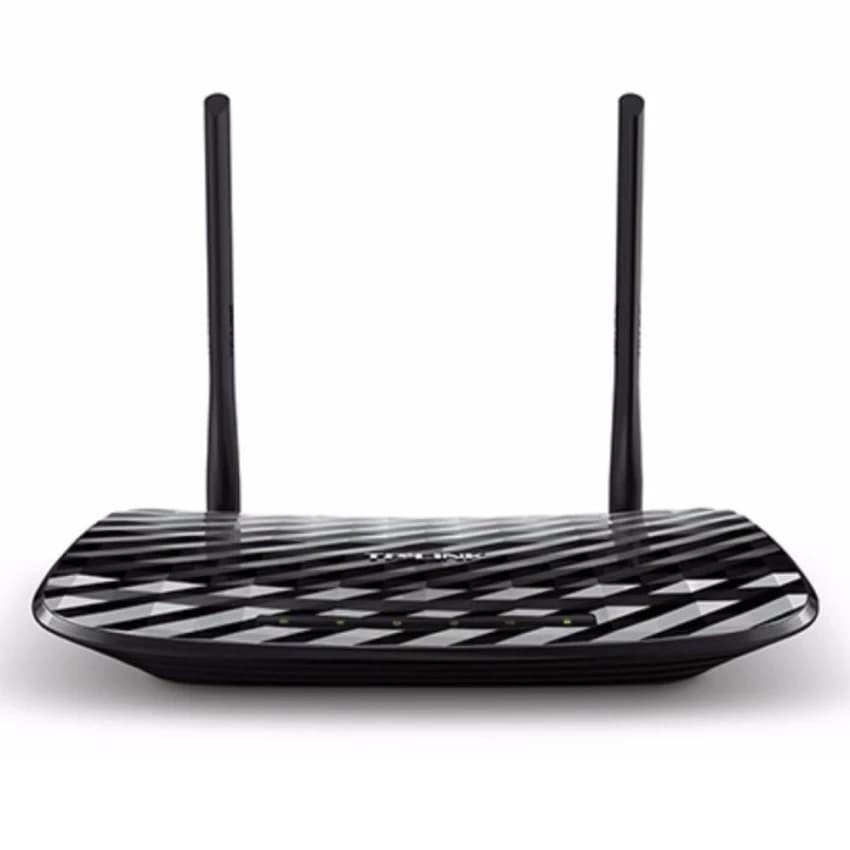
A 200 Mbps satellite link will feel slow if you push it through a five-year-old consumer router meant for a small flat. We benchmark the local network before we hand over, if your access points or switches cannot move the bandwidth, the satellite is not the bottleneck. Often a single mid-range router upgrade unlocks the speed clients thought they were paying for.
Before you order the kit
If you are considering a satellite installation, for a home, an office, a remote site, these checks save you money and frustration. We will do a free site survey before quoting any installation. The hour we spend looking at sky, power and cabling is the difference between a connection that just works and one you spend the next year fighting.