When clients call us about the internet being down again, the first thing they want to do is shout at the ISP. Sometimes that is the right answer. Most of the time it is not. Eight out of ten ISP problems we diagnose turn out to be inside the office.
Here are the four issues we find most often, in order of frequency.
1. The router is overloaded
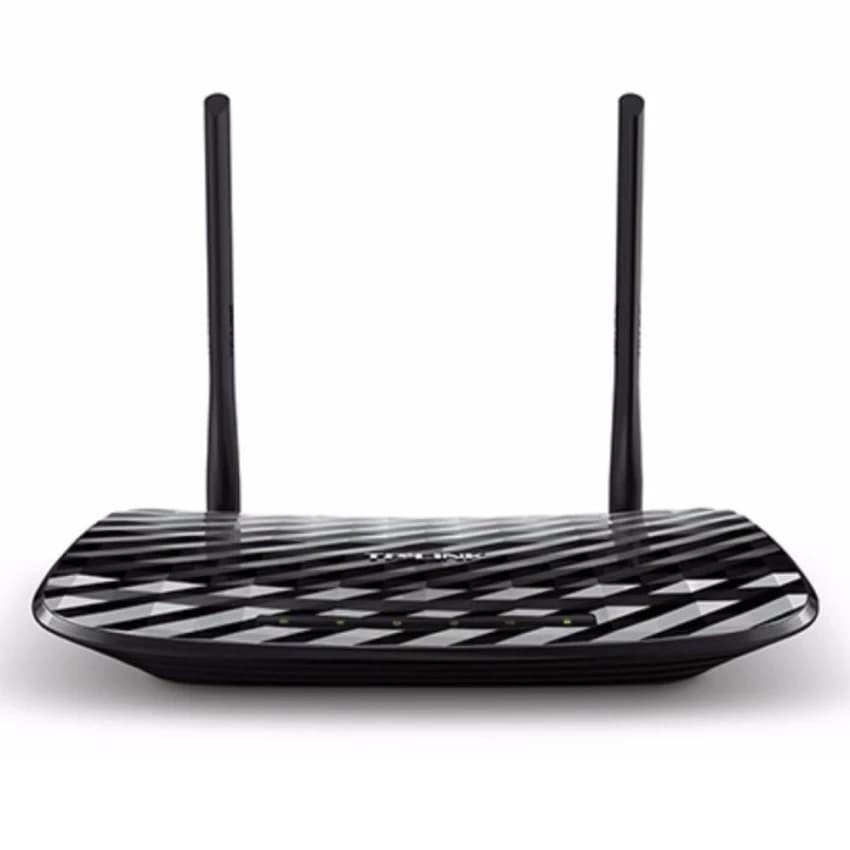
The router your ISP gave you is built to a budget. It probably handles 30 simultaneous connections well, 60 acceptably, and falls apart at 100. Add a smart TV, a few security cameras, two laptops streaming meetings, and a dozen phones, you are already past the comfortable limit before anyone tries to do real work.
Routers do not tell you they are overloaded. They just start dropping packets, which feels like the connection going down. A business-grade router with proper queue management will fix this for less than the cost of one bad afternoon.
2. Wi-Fi coverage gaps
A signal bar of two on your phone is not okay, it means your device is constantly retrying packets and burning battery. A typical office should have access points placed so that every workspace sees at least three bars on 5 GHz. If yours does not, the problem is not the speed, it is the geography.
We do a coverage survey by walking the office with a heatmap tool. It usually takes 20 minutes and tells us exactly where to add or move APs.
3. Channel congestion
In any building shared with others, co-working spaces, business parks, residential blocks, the 2.4 GHz band is a war zone. Default settings put most routers on the same channels. We have measured 30-plus networks competing for the same spectrum in a single floor of a Douala office tower. The fix is moving devices to 5 GHz or 6 GHz where possible, and configuring channel selection manually instead of relying on auto.
4. DNS and routing, not bandwidth
Slow internet often is not slow at all, it is slow DNS lookups making every page feel sluggish even though the connection itself is fine. Switching to a quality DNS provider (we usually configure Cloudflare 1.1.1.1 or Quad9) is a five-minute change that often produces the biggest perceived speed improvement of any single fix.
Diagnosing your own setup
Before calling your ISP next time:
- ▪Run a speed test plugged directly into the modem with everything else disconnected. If the numbers are good, the problem is local.
- ▪Count active devices on the network. If it is more than 50 and you are using ISP equipment, you have outgrown the kit.
- ▪Walk the building with a phone watching signal strength. Anywhere it drops to one or two bars is a coverage problem, not a speed problem.
If those checks point to your local network, that is something we can fix in a single visit. If they point to the line itself, then yes, time to call the ISP.